
 App Store
01
Rediscover the moments you forgot
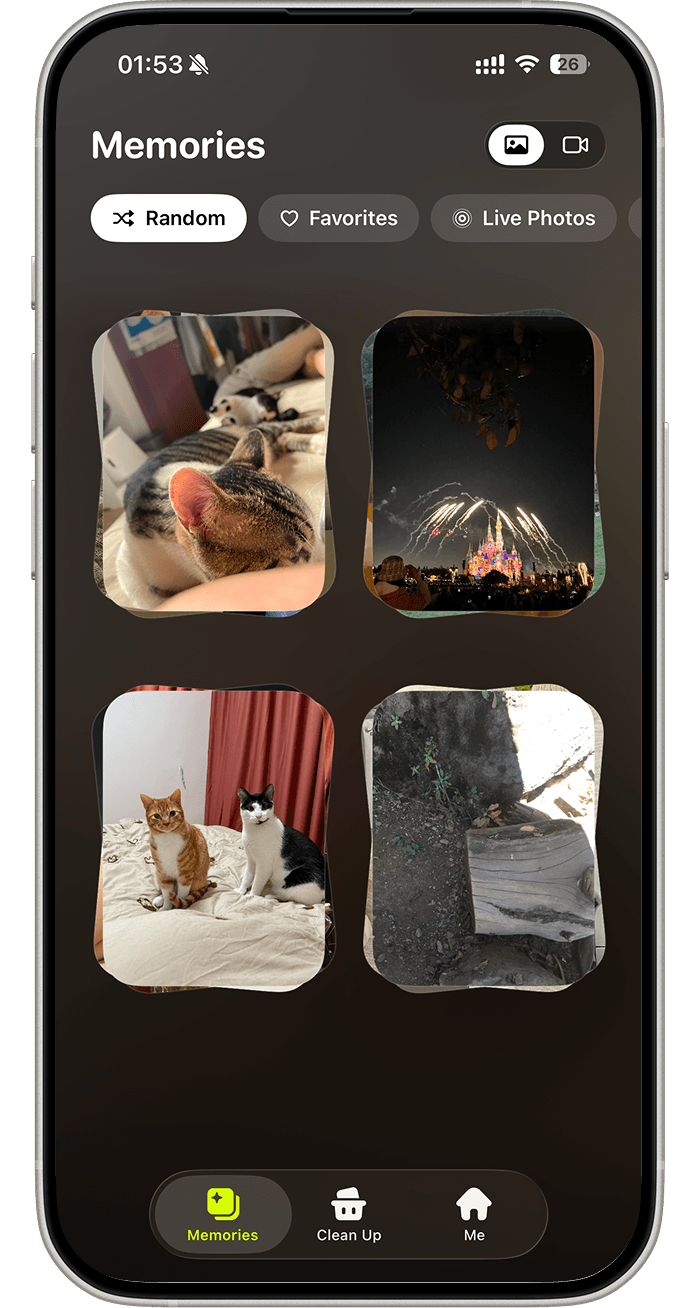
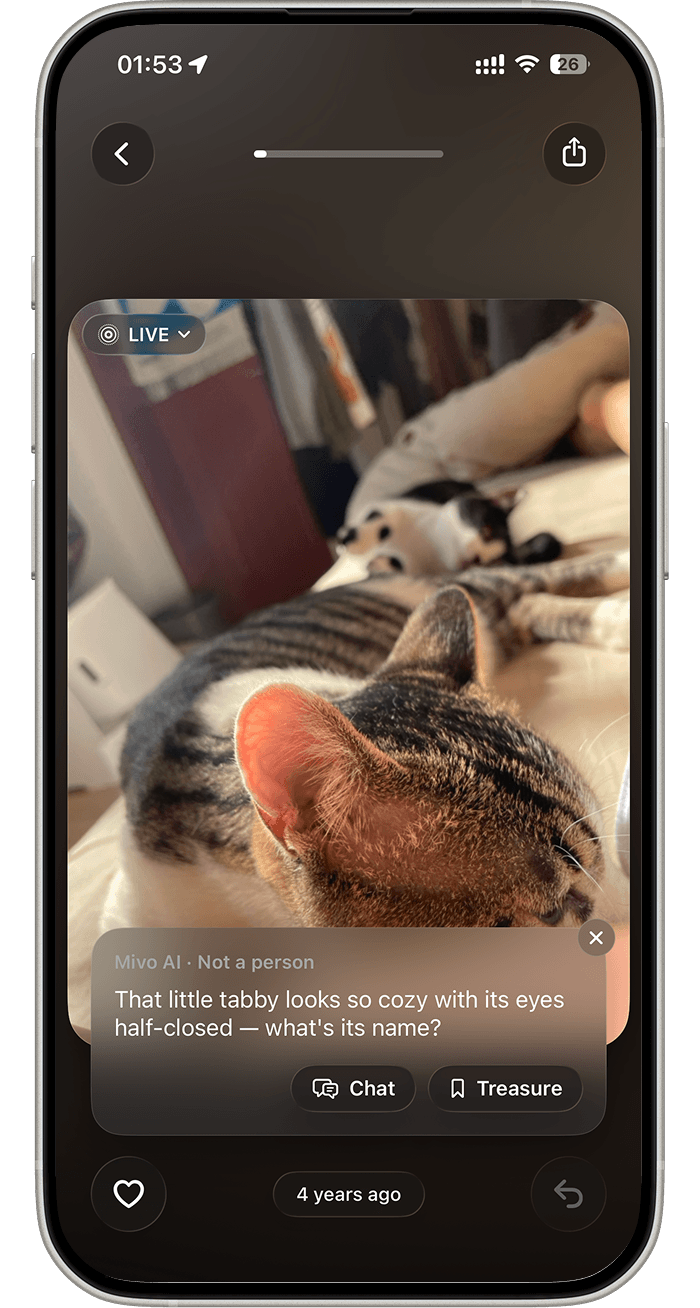
Inside Mivo
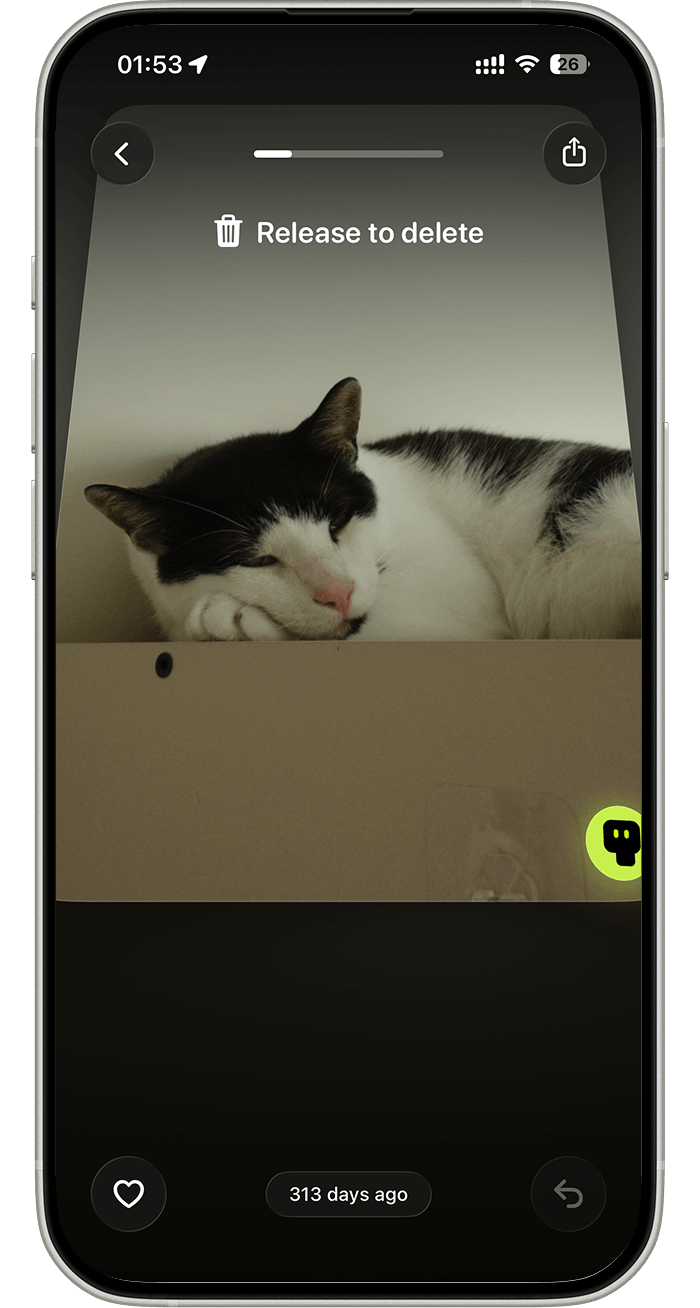
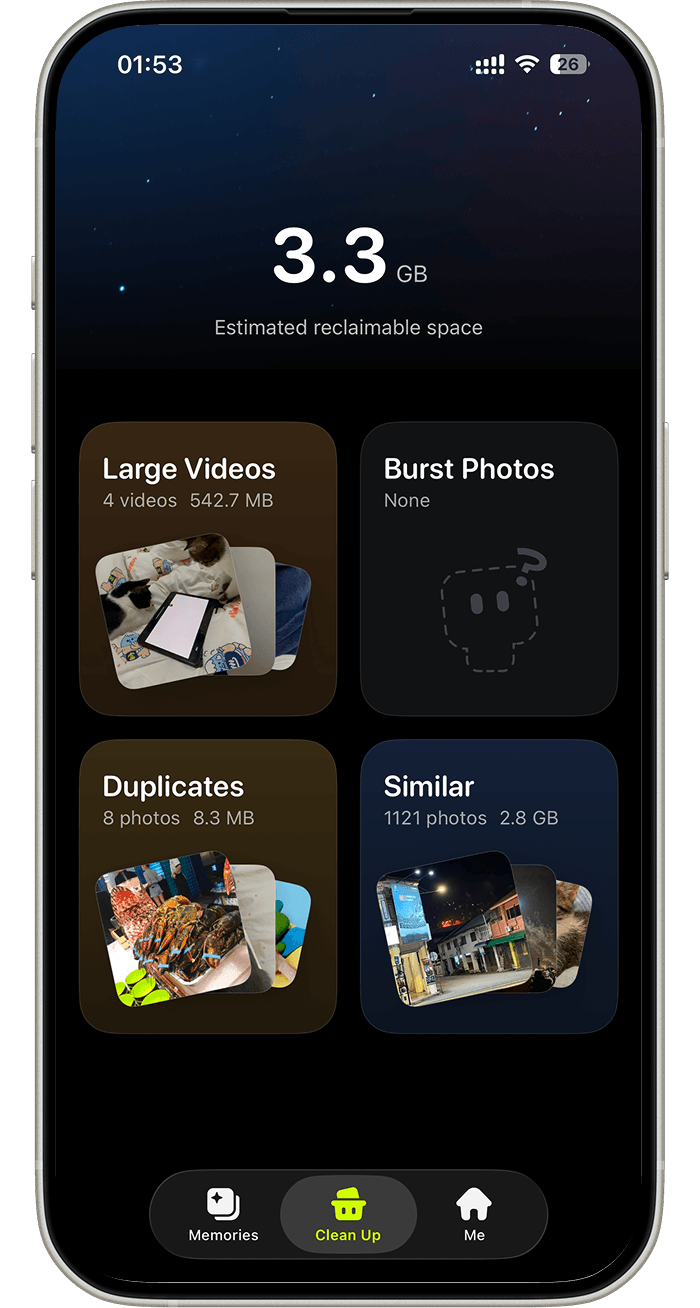
Rediscover, talk, clear as you go, or tidy everything in one place.
FAQ
The essentials about photos, AI, accounts, and control.
No. Mivo does not upload your library in the background. A reduced copy of the current photo is sent only when you deliberately invoke AI for that photo.
No. You review the selection and confirm in Apple’s system Photos dialog. Mivo never deletes in the background.
Your account protects cloud AI memory, cross-device continuity, AI usage limits, subscription entitlement, session revocation, and permanent account deletion.
No. Mivo does not perform human face recognition, create faceprints, identify people, or determine whether you appear in a photo.
Only deliberately limited text, such as distilled facts, preferences, persona settings, and text-only pet identity. It excludes photos, videos, full conversations, and visual feature vectors.
Yes. You can clear local and cloud AI memory, sign out, and permanently delete your Mivo account inside the app. Account deletion does not delete media from Apple Photos.